Let’s learn about ‘Video Is not on a watch page” error in Page Indexing Report in Google Search Console, What are the reasons behind this error and how to fix.
Video Indexing is core part of Google Indexing Systems and in this article we will talk in detail about ‘Video is not on a watch page’ Page Indexing Report issue in Google Search Console and how you can easily fix this issue each time.
What Is ‘Video Is not on a Watch Page’ Indexing Issue?
Video is not on a watch page is a Page Indexing issue which reported in Google Search Console in the tab named “Videos” under the “Indexing” section in Google Search Console as shown in the image below.
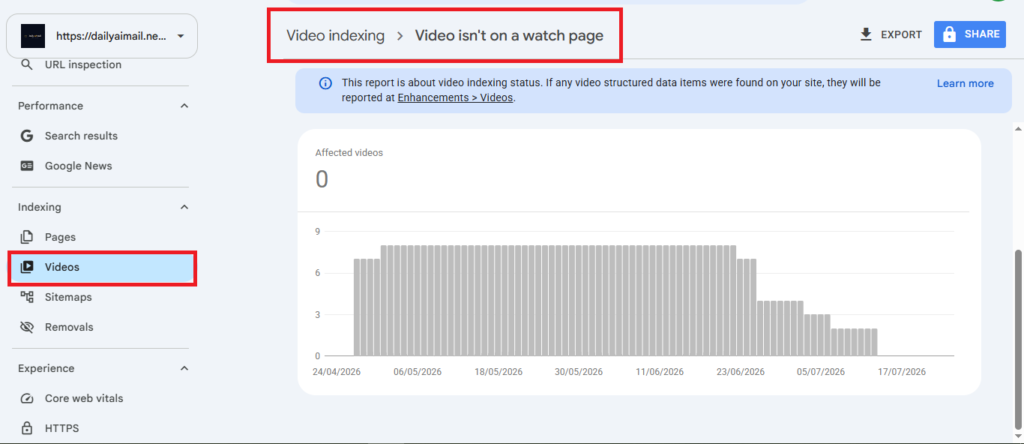
This issues arises from 1 main thing :
“When Googlebot detects Video Embed Or Video Object In this Web Page and This Page doesn’t Have A VideoObject Schema to Declare and Wrap that video object”
And since it’s a ‘Structured Data’ related issue, you can clearly see in the screenshot below that Google Systems, raising an errors as you can see in the 2 images below :
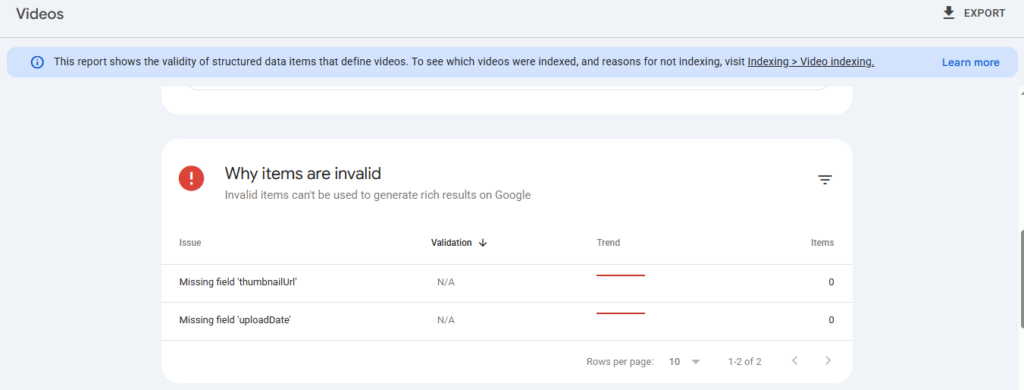
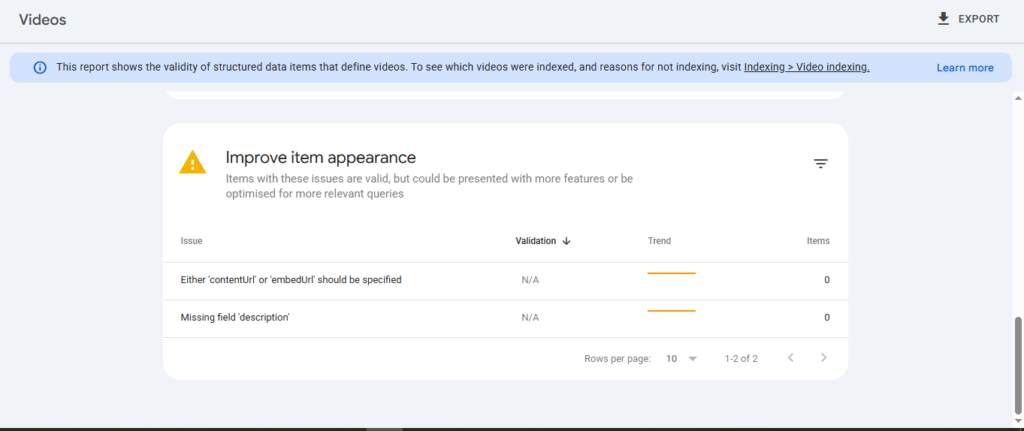
And as you can see in this attached image above from one of the Google Search Console for a property I own and this issue arose and once I applied the fix, as you can see Google Successfully validated the fix and begin Even to display the Videos in Rich Results in the SERPs.
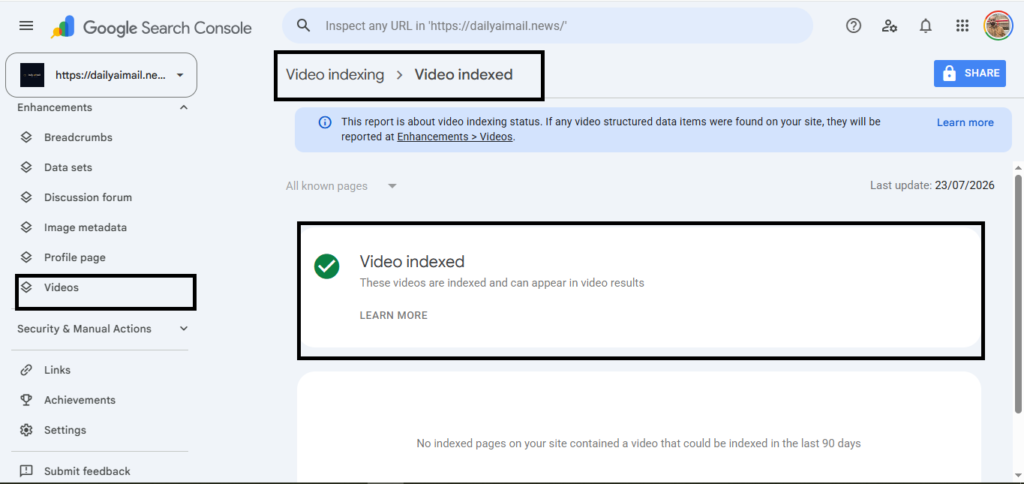
And accordingly Videos “When validation is passed” , you will See “Videos” under the “Enhancements” In Google Search Console as shown in the image below :
Let’s know how to fix “Video is not on a watch page” through a very simple steps
How To Fix ‘Video is not on a Watch Page’?
Let’s say an industry publication linked to a comprehensive guide you wrote, and you embedded a great YouTube tutorial right in the middle of it.
Google crawls the page. And they see the video.
But they won’t index it in the Video results.
Because to Google, that video is just a sidekick to your article. It’s not the main event.
To fix the “Video is not on a watch page” error, you have to turn that URL into a dedicated watch page. Here is exactly how to do it.
1 – Move the Video Above the Fold
First, check where your video actually lives on the page.
If it’s buried under five paragraphs of text, Google won’t consider it the primary content.
Move the video right to the top.
It needs to be the very first thing users see in their initial viewport when the page loads.
2 – Add VideoObject Structured Data
Then, you need to speak directly to Googlebot.
You have to wrap your video embed in VideoObject schema markup. This tells search engines exactly what they are looking at without any guesswork.
Just add the structured data code to your page.
And make sure you include the critical properties. Like the video’s name, description, upload date, and content URL.
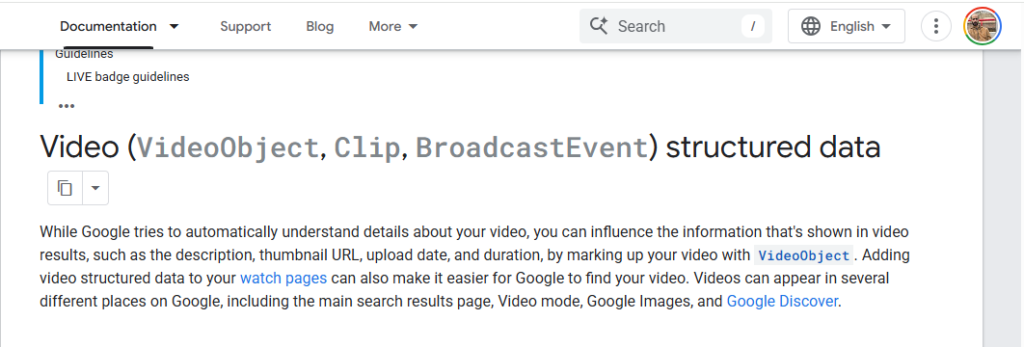
In Addition to resolving the ‘Video is not on a watch page’ issue, adding VideoObject Schema can influence how your video is shown in SERP and here is a statement from Google Search Central about Video Schema :
3 – Provide a Valid Thumbnail URL
This one is a dealbreaker.
If Google can’t find a valid thumbnail image for your video, the page will fail validation immediately.
Include a high-quality thumbnail link in your structured data using the thumbnailUrl property.
And double-check that the image isn’t blocked by your robots.txt file.
4 – Validate the Fix in Search Console
Once you’ve updated the layout and added your schema, it’s time to tell Google you’ve solved the problem.
Go back to your Google Search Console dashboard.
Then, navigate to the Videos tab under the Indexing section on the left sidebar.
Click directly on the “Video is not on a watch page” error row.
This will show you a detailed list of all your affected URLs.
Just click the Validate Fix button at the top of the screen.
Google will do a quick spot-check. And if your markup and layout are correct, they’ll start processing the rest of your pages.
Which means your videos will finally be eligible to appear in Google’s rich results.
You can consider these SEO Learning Resources to also have a bigger picture about the Search and Web Ecosystem in general you can start by SEO Guide, Basics Of The SEO And How Search Engines Work and then you can proceed by :
And don’t forget to subscribe to Search Engines Daily to our Weekly SEO Newsletter to get the SEO , AI And Search Marketing Updates directly into your inbox “We don’t spam”.